Safe Online Gaming: Protecting Kids in Virtual Worlds
Online gaming has become a primary form of entertainment and social interaction for many children, with platforms like Roblox, Minecraft, Fortnite, and Among Us serving as virtual gathering places where kids play, create, and socialize. These virtual worlds come with unique safety challenges that many parents don't fully understand. Gaming platforms often include chat features, voice communication, and the ability to interact with players from around the world, which can expose children to inappropriate content, cyberbullying, or predatory behavior. To create a safer gaming environment, start by researching games before allowing your child to play them. Check age ratings from organizations like the Entertainment Software Rating Board (ESRB), which provides detailed information about game content including violence, language, sexual content, and online interactions. Read reviews from other parents on sites like Common Sense Media to understand what real families experience with specific games, as the social dynamics and community behavior can matter as much as the game content itself.
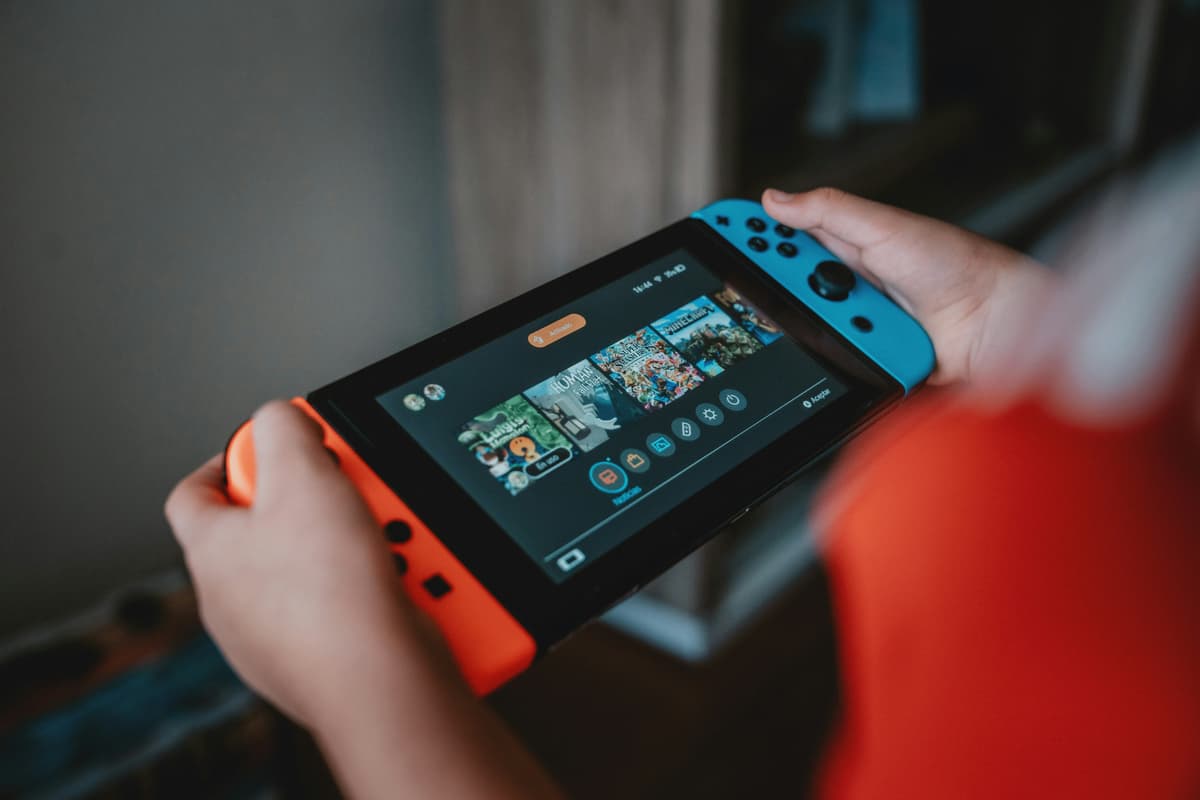
Most gaming platforms offer parental control settings that allow you to restrict communication features, limit who can contact your child, monitor gaming activity, and control spending on in-game purchases. However, finding and properly configuring these settings can be challenging, as each platform has different options buried in various menus. For Xbox, PlayStation, Nintendo Switch, Steam, and mobile gaming, take time to review all available safety settings. Enable privacy settings that limit who can view your child's profile, send friend requests, or join their games. For younger children, consider disabling chat features entirely or limiting communication to approved friends only. According to the Family Online Safety Institute's gaming safety guide, many concerning interactions happen through in-game communication that parents never see because they don't understand how these social features work. Understanding the specific game your child plays—including how players communicate, whether there's user-generated content, and what monetization systems exist—is essential for appropriate supervision.
The social aspects of gaming present both benefits and risks. For many children, especially during periods of social isolation like the COVID-19 pandemic, online gaming provided crucial social connection with friends and opportunities to work together toward common goals. However, these same social features can facilitate bullying, harassment, or inappropriate relationships. Teach your child the importance of never sharing personal information during gaming sessions, including their real name, age, location, school, phone number, or contact details on other platforms. Predators specifically target children in gaming environments, using the casual and fun atmosphere to build trust before attempting to move conversations to less-monitored platforms like WhatsApp, Discord, or Snapchat. Warning signs that someone may have concerning intentions include asking personal questions, requesting private communication off-platform, offering gifts or game currency, making your child feel special or unique, or asking them to keep the relationship secret from parents.
In-game purchases and microtransactions present another significant concern in online gaming. Many "free" games generate revenue through constant pressure to purchase virtual items, character upgrades, loot boxes, or premium currency. Children may not understand the real value of digital purchases, spending hundreds or even thousands of dollars if payment information is accessible. A report from ConnectSafely about gaming safety recommends removing payment information from gaming accounts or requiring password approval for all purchases. Additionally, be aware that some games include gambling mechanics—loot boxes that provide random rewards—that can habituate children to gambling-style behavior. Several countries have begun regulating these features due to concerns about their impact on minors, and parents should be particularly cautious about games that heavily emphasize these mechanics.
Physical and mental health considerations are also important for gaming safety. Encourage regular breaks, proper posture, appropriate lighting, and good ergonomics to prevent physical strain. Watch for signs of gaming addiction or problematic use, which can include irritability when not gaming, declining performance in school, loss of interest in other activities, sleep problems, and gaming as the only source of emotional regulation. If your child becomes extremely upset when asked to stop playing, has difficulty limiting play time even when they want to, or if gaming interferes with other important areas of life, these may be signs of problematic gaming that warrant professional attention. The World Health Organization has recognized "gaming disorder" as a legitimate mental health condition when gaming behavior becomes severe enough to significantly impair major life functions.
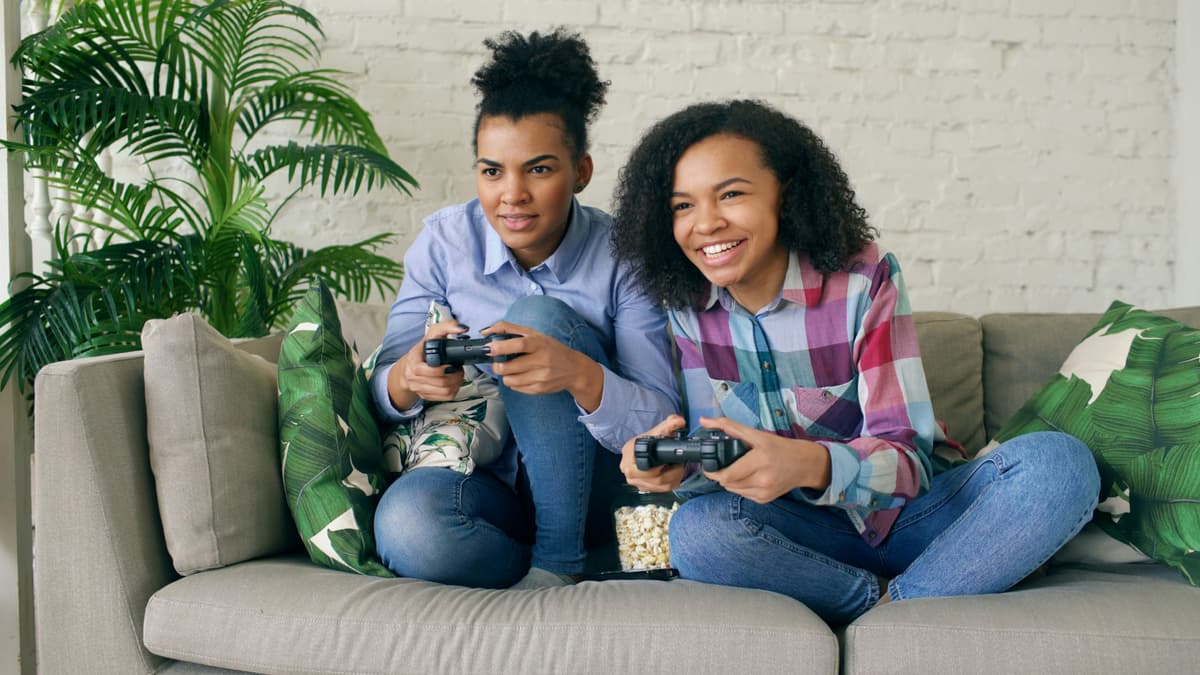
Create and maintain open communication with your child about their gaming experiences. Ask them about the games they're playing, who they're playing with, and what they enjoy about these activities. Play games together when possible—this gives you firsthand experience with what your child is doing online and creates opportunities for natural conversations about appropriate behavior. Encourage them to play games in common areas of your home where you can occasionally observe their interactions, rather than behind closed doors. Most importantly, ensure your child knows they can come to you if they encounter uncomfortable situations, inappropriate content, or concerning behavior from other players. Create an environment where they feel comfortable reporting problems without fear that you'll take away their gaming privileges entirely, as this fear prevents many children from seeking help when they need it.
Actions
- Research games before approval. Check ESRB ratings and read parent reviews on Common Sense Media to understand content, social features, and community behavior.
- Configure platform-specific parental controls. Review settings for each gaming platform your child uses (Xbox, PlayStation, Nintendo, Steam, mobile) and enable privacy protections.
- Restrict communication features appropriately. For younger children, disable or limit chat and voice features; for older children, explain safe communication practices.
- Remove payment information from gaming accounts. Prevent unauthorized purchases by requiring password approval for transactions or removing credit cards entirely.
- Establish clear rules about personal information sharing. Teach your child never to share real names, ages, locations, schools, or contact details with online gaming friends.
- Discuss red flags for predatory behavior. Help your child recognize concerning patterns like adults asking personal questions, requesting private communication, or asking them to keep secrets.
- Set gaming time limits and encourage breaks. Establish healthy boundaries around gaming duration and ensure children take regular breaks for physical activity and rest.
- Create an open dialogue about gaming experiences. Ask questions, play together when possible, and ensure your child feels comfortable reporting problems without fear of losing gaming privileges entirely.